
Windows tuning with a paper trail
Own the change. Verify the result.
AWPtimizr brings performance tuning, diagnostics, networking, debloat, gaming tools, and reversible history into one local-first Windows app.
Free private test access. A GitHub account and approval are required.
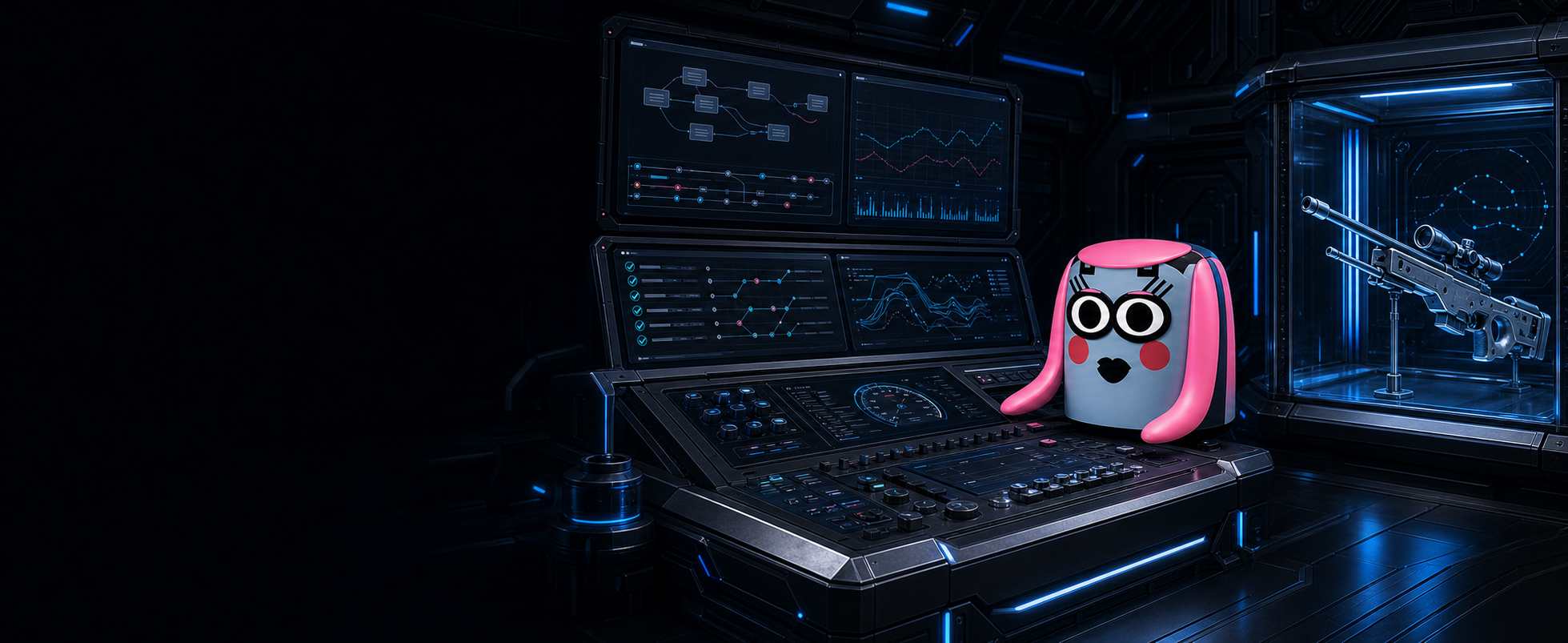
One control surface for measured Windows tuning, diagnostics, gaming tools, and rollback.
Every app page
One focused surface per job.
Open any page for its real workflow, controls, and verified screenshot set. Settings and Change History are documented separately.
Start from live hardware
Home & CPU
Read the system first, then tune CPU scheduling, power behavior, and latency-sensitive defaults.Open Home & CPU →02Per-game control
Game
Configure game paths, process behavior, affinity, launch options, and gaming-oriented Windows settings.Open Game →03Lower the path to action
Input
Manage mouse acceleration, USB behavior, timer-related settings, and latency-sensitive input controls.Open Input →04Own the connection
Network
Tune adapters, DNS, QoS, firewall rules, and networking behavior from one verified surface.Open Network →05Driver-aware tuning
Graphics
Coordinate Windows graphics settings, GPU-specific options, ReBAR checks, and driver-side tools.Open Graphics →06Clean installs, managed tools
Drivers
Download, configure, and launch trusted driver utilities without losing the surrounding workflow.Open Drivers →07Windows feature ownership
Features
Control optional Windows behavior and supporting system features from an organized, searchable page.Open Features →08Remove with context
Debloat
Review privacy, service, app, and browser cleanup options before changing the machine.Open Debloat →09A focused game toolkit
CS2
Manage Counter-Strike 2 paths, binds, crosshairs, launch options, and practical performance helpers.Open CS2 →10Curated software shelf
Apps
Discover, install, update, and relaunch useful desktop software from a managed catalog.Open Apps →11Keep input on the right display
Cursor Lock
Install, update, and launch the L34D cursor guard from AWPtimizr's managed Apps shelf.Open Cursor Lock →12Measure the result
Benchmark
Capture gaming performance runs and compare results with PresentMon, CapFrameX, or CS2 logs.Open Benchmark →13Verify before guessing
Diagnostics
Inspect startup health, system configuration, master verification results, and exportable diagnostic reports.Open Diagnostics →14App ownership and profiles
Settings
Control themes, developer mode, version checks, profiles, backups, and application-level behavior.Open Settings →15Revert with evidence
Change History
Review what AWPtimizr changed, inspect before-and-after state, and deliberately revert a recorded action.Open Change History →Inside the release
Real screens, checked at full size.
43 verified captures across every app page. Click any image for fullscreen; use Escape or the arrow keys to exit and move through the set.
Home & CPU
Read the system first, then tune CPU scheduling, power behavior, and latency-sensitive defaults.
A safer tuning loop
Read, change, verify, revert.
- 01Read
AWPtimizr checks live Windows, registry, service, firewall, and device state.
- 02Change
Apply one focused setting or a reviewed batch with visible command feedback.
- 03Verify
Diagnostics and benchmarks show what changed and whether it helped.
- 04Revert
Change History keeps the route back visible when a recorded action needs to be undone.

Private Windows test build
Test AWPtimizr before public release.
Access is free. A suggested $15 donation supports development but never gates the build.